Customizing Aesthetics
Sysbiolab Team
2026-10-19
Source:vignettes/articles/customizing-aesthetics.Rmd
customizing-aesthetics.Rmd
Package: RGraphSpace 1.5.7
# Check required version
if (packageVersion("RGraphSpace") < "1.5.7"){
  message("Need to update 'RGraphSpace' for this vignette")
  remotes::install_github("sysbiolab/RGraphSpace")
}
Overview
This section illustrates how RGraphSpace integrates with
ggplot2 using its building blocks (Wickham 2016). Graph attributes stored in the
GraphSpace object can be handled in two ways:
Identity mapping: Attributes such as
nodeColor,nodeSize, andnodeShapeare treated as literal values and displayed exactly as specified, without scaling or transformation.Dynamic aesthetic mapping: Attributes are mapped to ggplot2 aesthetics such as
colour,size, andshape, and rendered through standard scales, which automatically generate synchronized legends.
RGraphSpace implements three specialized geoms
for handling graph data within a ggplot2 workflow. These
geoms synchronize node and edge layers, which is essential
when network elements must remain accurately aligned with a reference
frame.
geom_nodespace(): Renders network nodes. ExtendsGeomPointaesthetic mappings and exposes node state information to the edge layer.geom_edgespace(): Renders the relationships between nodes. ExtendsGeomSegmentaesthetic mappings; unlike standard segments, it is node-aware and dynamically adjusts start and end points based on node position and size.geom_graphspace(): A convenience wrapper that callsgeom_nodespace()andgeom_edgespace()in sequence. Use this for the common case; use the individualgeomsdirectly when independent control of node and edge layers is needed.
Setting basic input data
In the following example, we create a small modular graph containing
variables of different types to demonstrate how RGraphSpace
geoms handle different mapping requirements.
# Make a toy modular graph
set.seed(42)
gtoy2 <- sample_islands(
  islands.n = 3,       # number of modules
  islands.size = 30,   # nodes per module
  islands.pin = 0.25,  # probability of edges within modules
  n.inter = 2)         # edges between modules

# Assign module membership to nodes
V(gtoy2)$module <- rep(1:3, each = 30)

# Assign colors to nodes
V(gtoy2)$nodeFillColor <- rainbow(3)[V(gtoy2)$module]

# Assign a categorical variable to nodes
V(gtoy2)$node_group <- c("A", "B", "C")[V(gtoy2)$module]

# Assign numeric variables to nodes and edges
V(gtoy2)$node_var <- runif(vcount(gtoy2))
E(gtoy2)$edge_var <- runif(ecount(gtoy2))

# Create a GraphSpace from the toy igraph
gs <- GraphSpace(gtoy2)
#> Validating the 'igraph' object...
#> Vertex attributes 'x' and 'y' missing; computing layout...
#> Vertex attribute 'name' missing; assigning names...
#> Ignoring graph-level attributes: 'name', 'islands_n', 'islands_size', ...
#> Creating a 'GraphSpace' object...

gs
#> A GraphSpace-class object for:
#> IGRAPH 9f3b311 UN-- 90 329 --
#> + attr: x (v/n), y (v/n), name (v/c), nodeLabel (v/c), nodeSize (v/n),
#> | nodeFillColor (v/c), module (v/n), node_group (v/c), node_var (v/n),
#> | arrowType (e/c), edge_var (e/n)
#> + node spatial boundaries: raw graph
#> | x: [-8, 11] (cols)
#> | y: [-10, 7] (rows)
Plotting identity values
In this example, nodeColor already contains the final
colour values stored in the GraphSpace object. The colours
will be displayed as-is by the geom_graphspace() function.
This approach is useful when nodes have been pre-processed with specific
attributes and you want the visual output without further mapping.
ggplot(gs) +
  geom_graphspace() +
  theme(aspect.ratio = 1)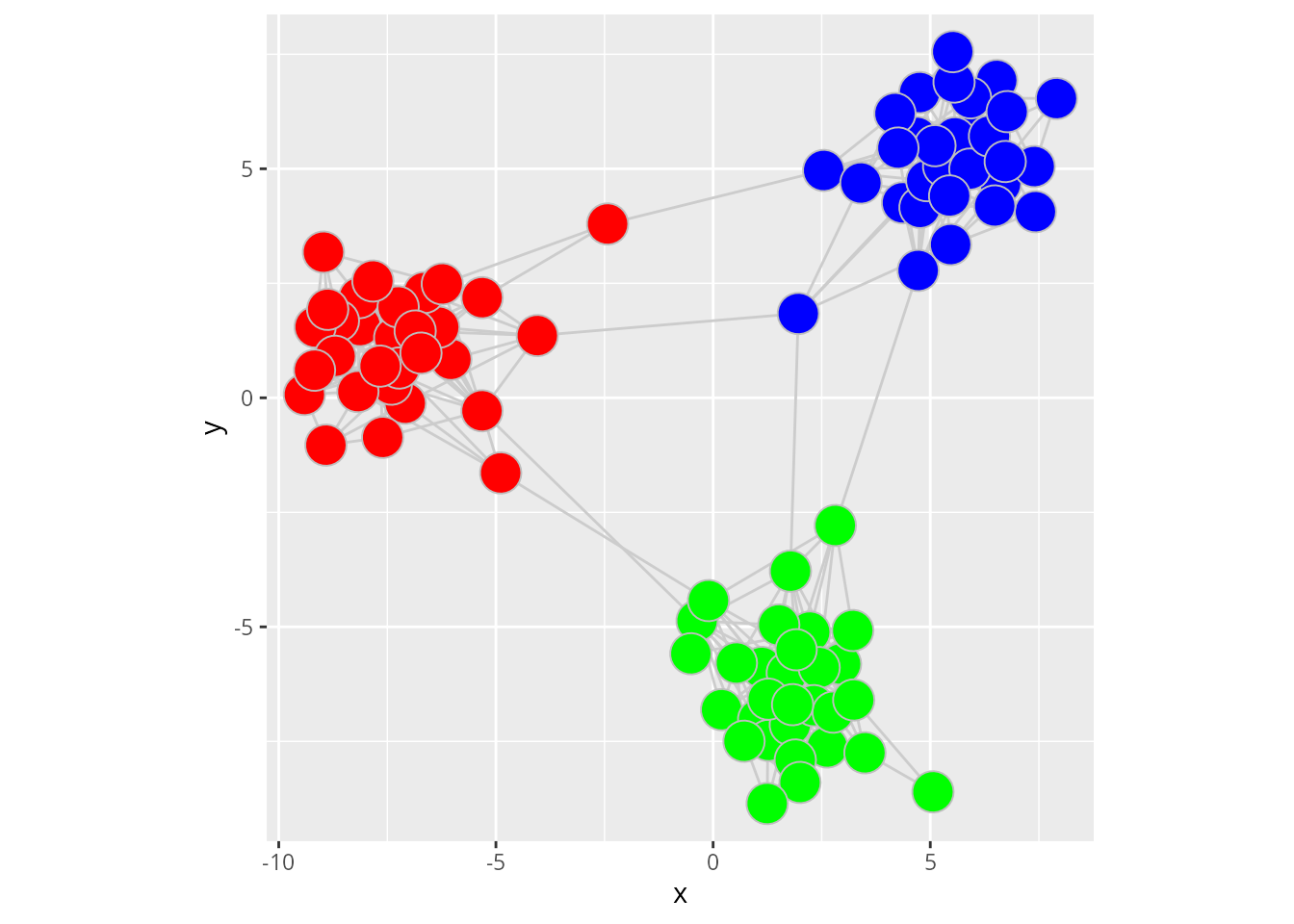
The trade-off of this approach is that all attributes reflect the
original data directly, but no legend is accessible. This is because
identity scales bypass the legend-building process of ggplot2.
If a legend is required to explain the meaning of these colours, the
attribute should be mapped via aesthetics (e.g.,
aes(fill = attribute)) and modified by a
scale_*() function.
Mapping categorical variables
In this example, the node categorical variable
node_group is mapped to the fill aesthetic and
we use the individual geoms directly for independent
control of node and edge layers.
ggplot(gs) +
  geom_edgespace() +
  geom_nodespace(aes(fill = node_group), colour = "grey") +
  scale_fill_viridis_d(option = "viridis") +
  theme_gspace_coords()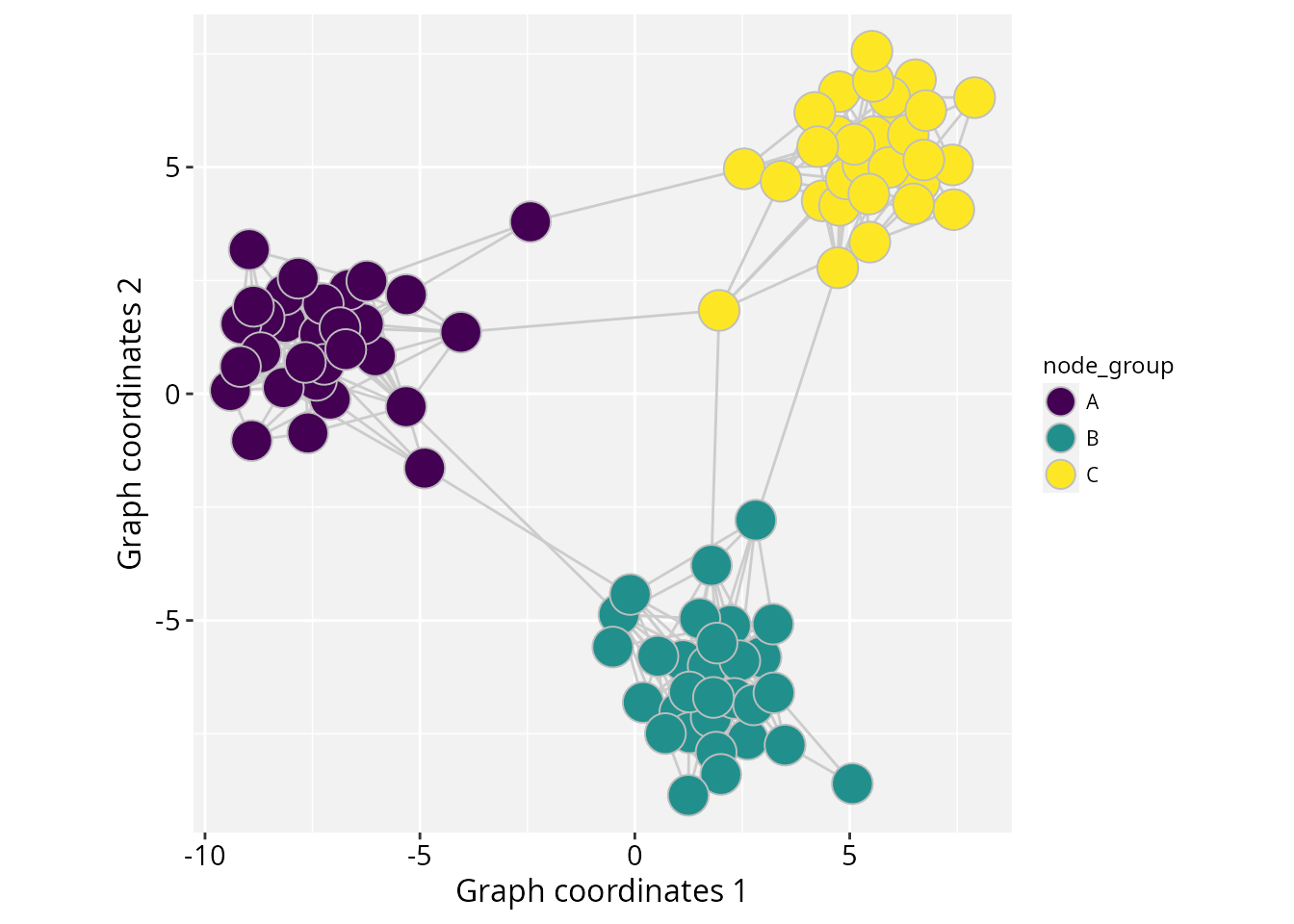
Mapping numeric variables
In this example, node and edge numeric variables are mapped to
fill and colour aesthetics, respectively.
# Map aesthetics to numeric variables
ggplot(gs) +
  geom_edgespace(aes(colour = edge_var)) +
  geom_nodespace(aes(fill = node_var), colour = "grey") +
  scale_colour_continuous(palette = c("cyan","blue")) +
  scale_fill_continuous(palette = c("white","purple")) +
  theme_gspace_coords()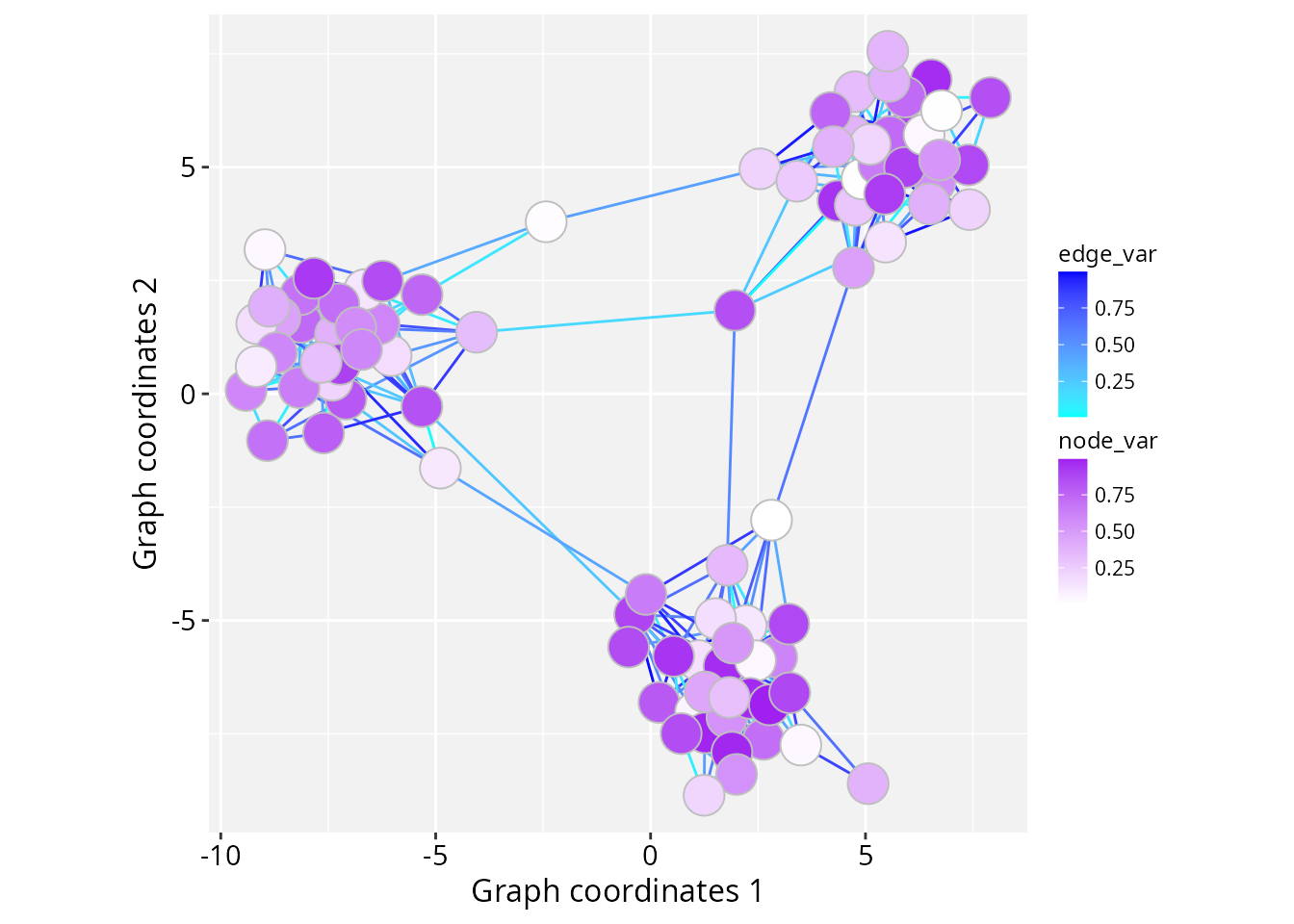
Using separate colour scales
If you need to map different variables to the same aesthetic (such as
colour) with independent scales, the ggnewscale
package offers an elegant solution to introduce additional scales within
the same plot (Campitelli 2025); for
example:
if (!require("ggnewscale", quietly = TRUE)) {
  install.packages("ggnewscale")
}
library("ggnewscale")
ggplot(data = gs) +
  geom_edgespace(aes(colour = edge_var)) +
  scale_colour_continuous(palette = c("cyan","blue")) +
  ggnewscale::new_scale_colour() +
  geom_nodespace(aes(colour = node_var),
    stroke = 2, fill = NA) +
  scale_colour_continuous(palette = c("white","purple")) +
  theme_gspace_coords()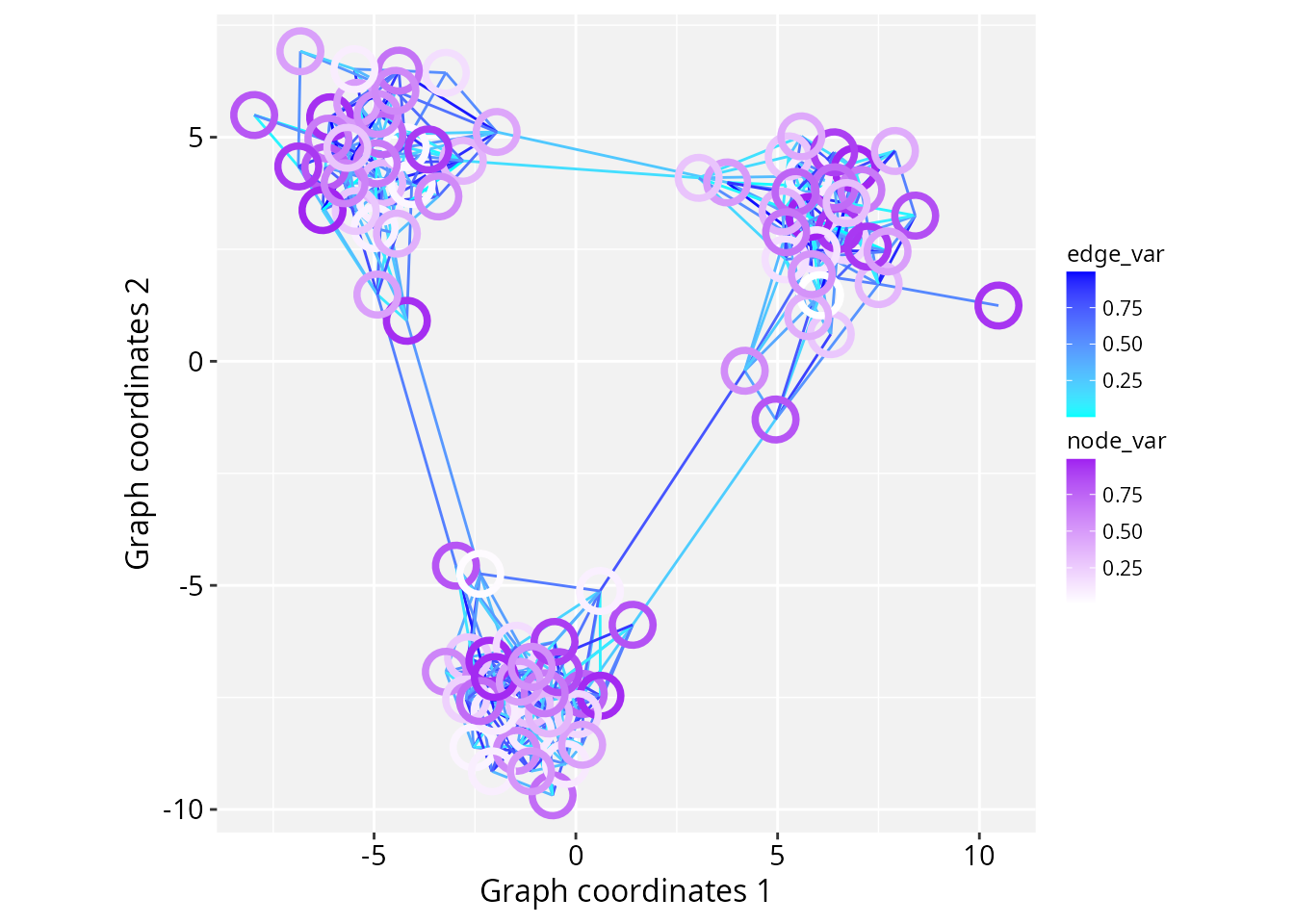
Session information
#> R version 4.6.1 (2026-06-24)
#> Platform: x86_64-pc-linux-gnu
#> Running under: Ubuntu 24.04.5 LTS
#>
#> Matrix products: default
#> BLAS:   /usr/lib/x86_64-linux-gnu/openblas-pthread/libblas.so.3
#> LAPACK: /usr/lib/x86_64-linux-gnu/openblas-pthread/libopenblasp-r0.3.26.so;  LAPACK version 3.12.0
#>
#> locale:
#>  [1] LC_CTYPE=en_US.UTF-8       LC_NUMERIC=C
#>  [3] LC_TIME=en_US.UTF-8        LC_COLLATE=en_US.UTF-8
#>  [5] LC_MONETARY=en_US.UTF-8    LC_MESSAGES=en_US.UTF-8
#>  [7] LC_PAPER=en_US.UTF-8       LC_NAME=C
#>  [9] LC_ADDRESS=C               LC_TELEPHONE=C
#> [11] LC_MEASUREMENT=en_US.UTF-8 LC_IDENTIFICATION=C
#>
#> time zone: America/Sao_Paulo
#> tzcode source: system (glibc)
#>
#> attached base packages:
#> [1] stats     graphics  grDevices utils     datasets  methods   base
#>
#> other attached packages:
#> [1] ggnewscale_0.5.2  igraph_2.3.4      RGraphSpace_1.5.7 ggplot2_4.0.3
#>
#> loaded via a namespace (and not attached):
#>  [1] sass_0.4.10        generics_0.1.4     tidyr_1.3.2        lattice_0.23-1
#>  [5] digest_0.6.39      magrittr_2.0.5     evaluate_1.0.5     grid_4.6.1
#>  [9] RColorBrewer_1.1-3 fastmap_1.2.0      jsonlite_2.0.0     Matrix_1.7-6
#> [13] ggrastr_1.0.2      purrr_1.2.2        viridisLite_0.4.3  scales_1.4.0
#> [17] textshaping_1.0.5  jquerylib_0.1.4    cli_3.6.6          rlang_1.3.0
#> [21] tidygraph_1.3.1    withr_3.0.3        cachem_1.1.0       yaml_2.3.12
#> [25] otel_0.2.0         ggbeeswarm_0.7.3   tools_4.6.1        dplyr_1.2.1
#> [29] vctrs_0.7.3        R6_2.6.1           lifecycle_1.0.5    fs_2.1.0
#> [33] htmlwidgets_1.6.4  vipor_0.4.7        ragg_1.5.2         pkgconfig_2.0.3
#> [37] beeswarm_0.4.0     desc_1.4.3         pkgdown_2.2.0      pillar_1.11.1
#> [41] bslib_0.11.0       gtable_0.3.6       glue_1.8.1         systemfonts_1.3.2
#> [45] xfun_0.59          tibble_3.3.1       tidyselect_1.2.1   rstudioapi_0.19.0
#> [49] knitr_1.51         dichromat_2.0-1    farver_2.1.2       htmltools_0.5.9
#> [53] rmarkdown_2.32     labeling_0.4.3     compiler_4.6.1     S7_0.2.2