Getting Started with RGraphSpace
Sysbiolab Team
2026-10-19
Source:vignettes/articles/get-started.Rmd
get-started.Rmd
Package: RGraphSpace 1.5.7
For a self-contained introduction that works offline, run vignette(“RGraphSpace”) after installing the package.
Introductory vignettes
These tutorials introduce RGraphSpace using simple toy
examples: building a
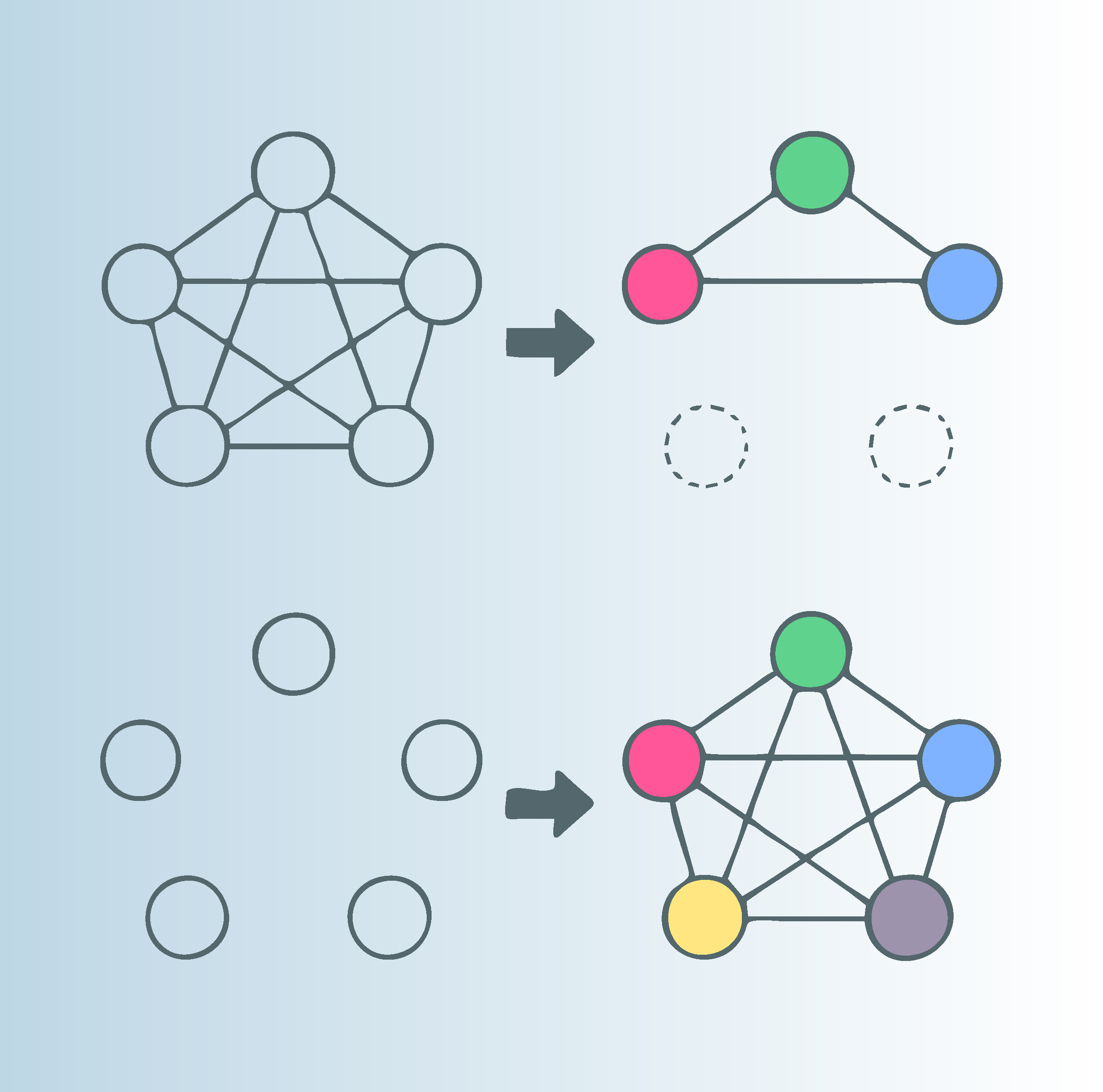
GraphSpace walks through basic graph conventions; customizing aesthetics
demonstrates how to set up geoms to handle graph data
types; scales and offsets
describes the trade-offs involved in synchronizing node and edge layers;
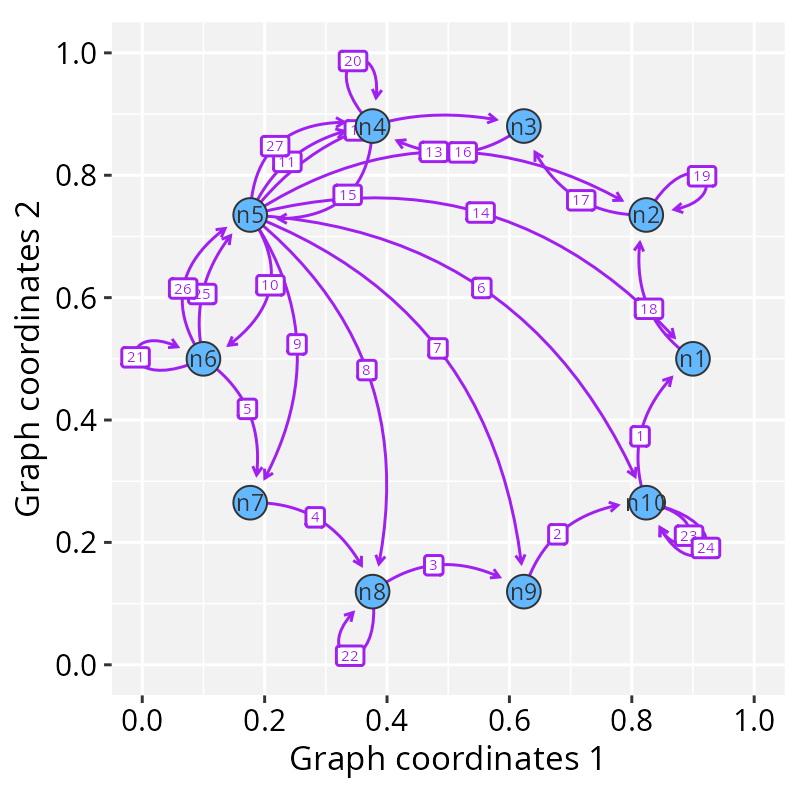
curved edges and loops shows
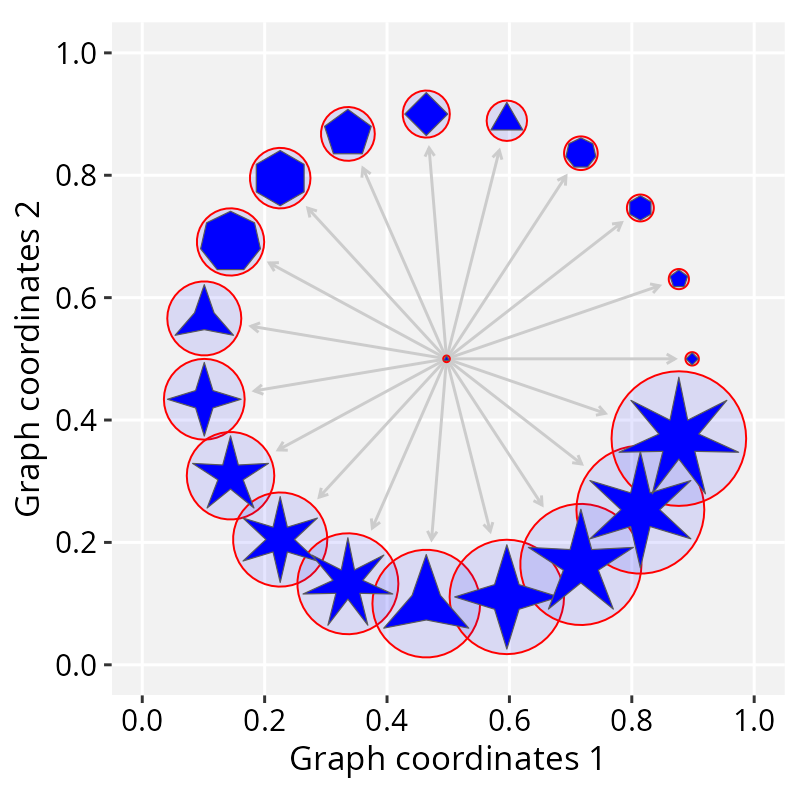
how to draw curved, parallel, and self-loop edges; geometries and nodes demonstrates
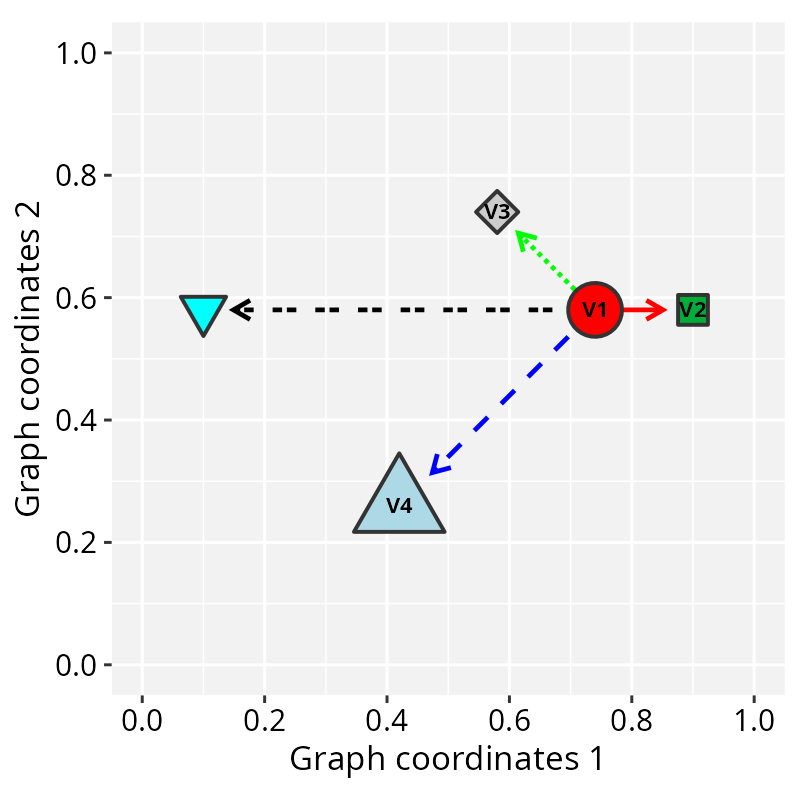
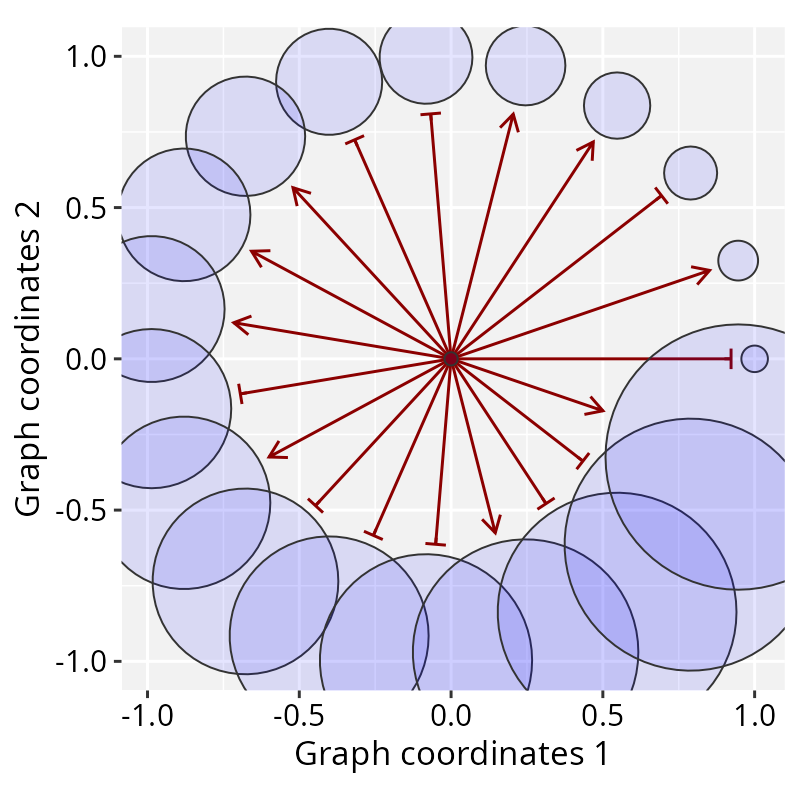
how to attach sf geometries to nodes as custom markers; edge glyphs introduces the symbols
drawn at edge ends, from simple arrows to an extended glyph collection;
and GraphSpace
accessors covers graph transformation functions, attribute
manipulation, and the package’s general accessors.

General applications
These tutorials showcase RGraphSpace for general
applications: mapping graphs to
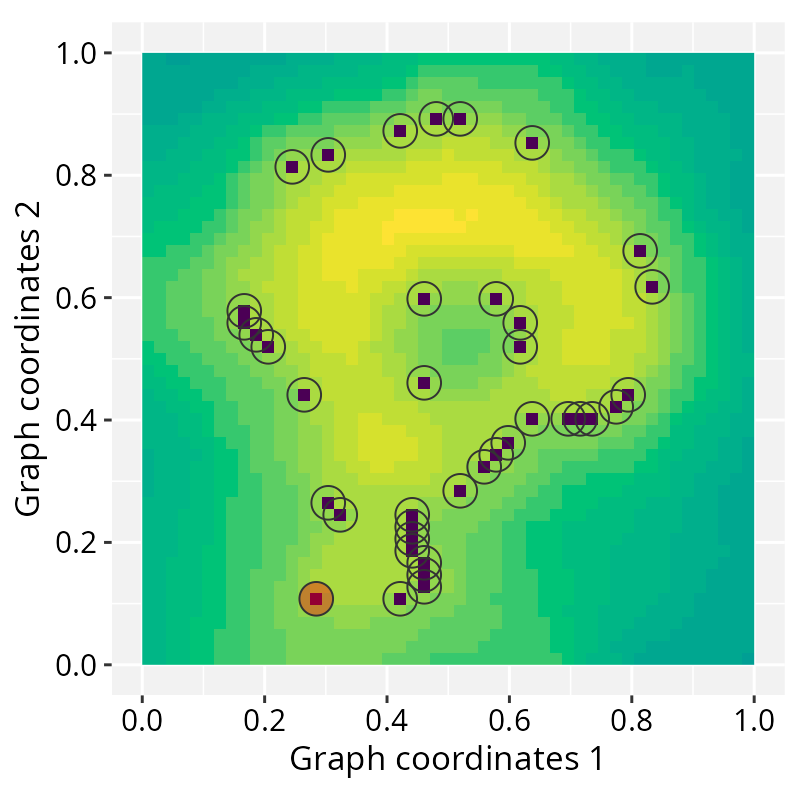
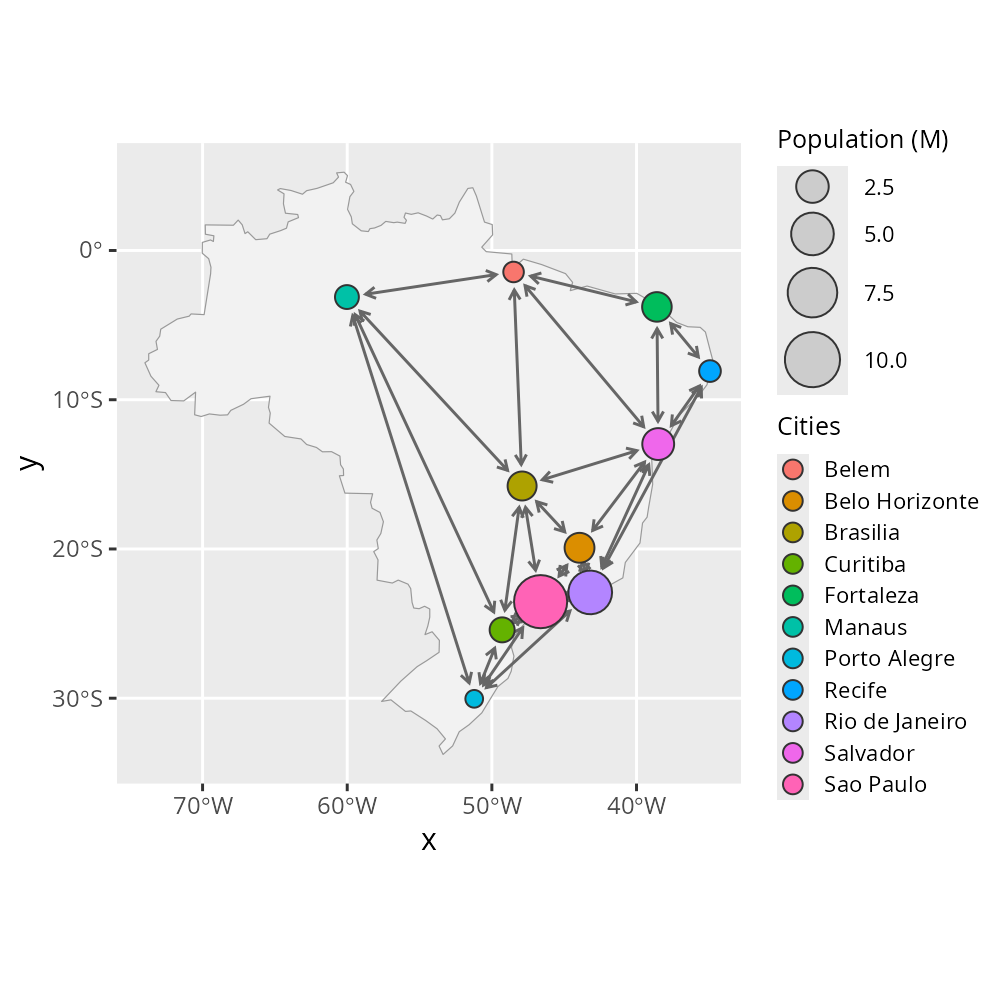
images illustrates the use of images as spatial references; interoperability with ggraph &
sf demonstrates some integration strategies, building a graph
from real-world geographic data and comparing it against
ggraph’s own layout approach; and interactive visualization
demonstrates manual graph layout refinement.
Advanced workflows
These tutorials showcase RGraphSpace applied to real-world
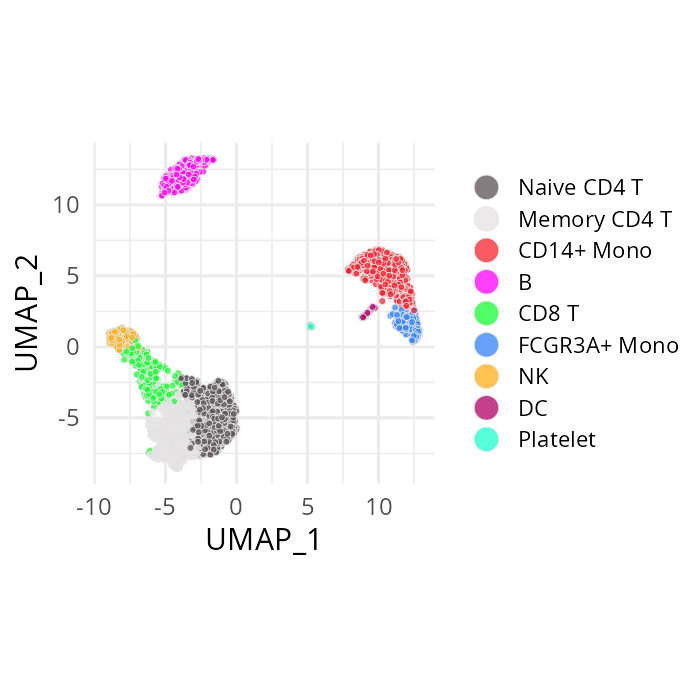
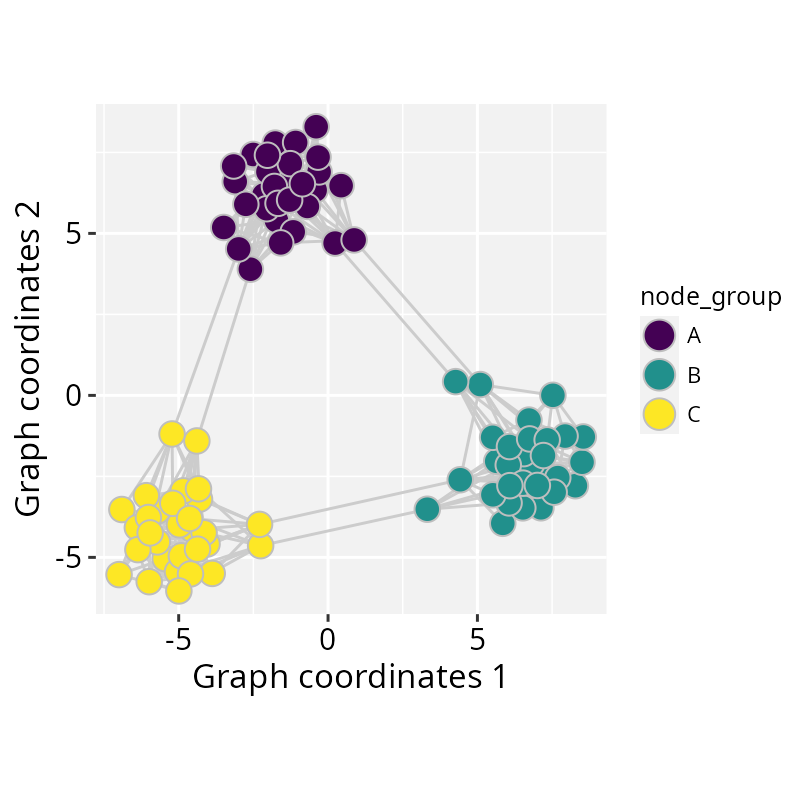
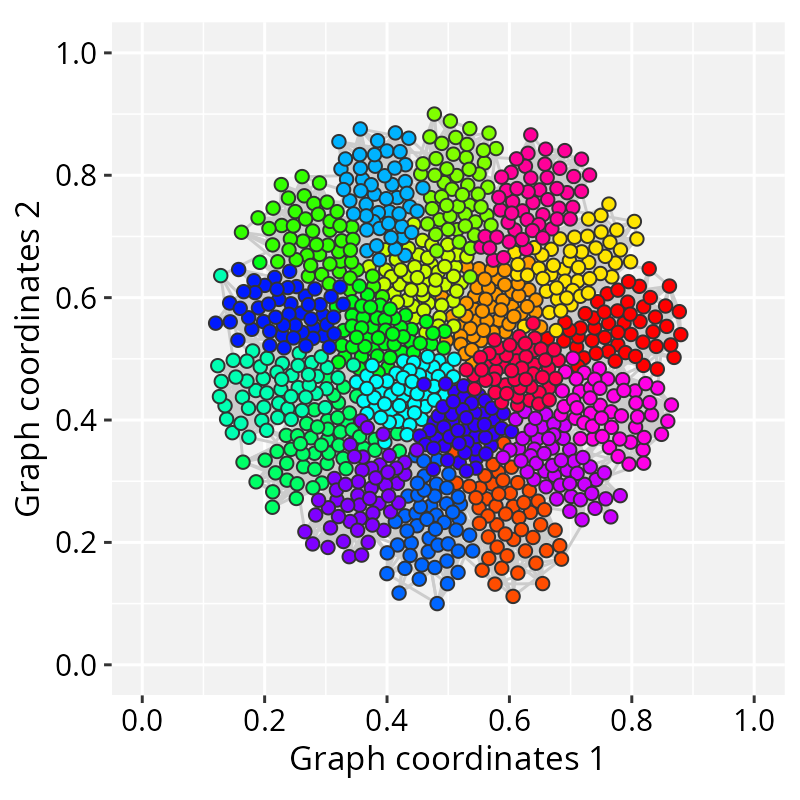
scenarios: high-dimensional
data demonstrates how to integrate high-dimensional feature
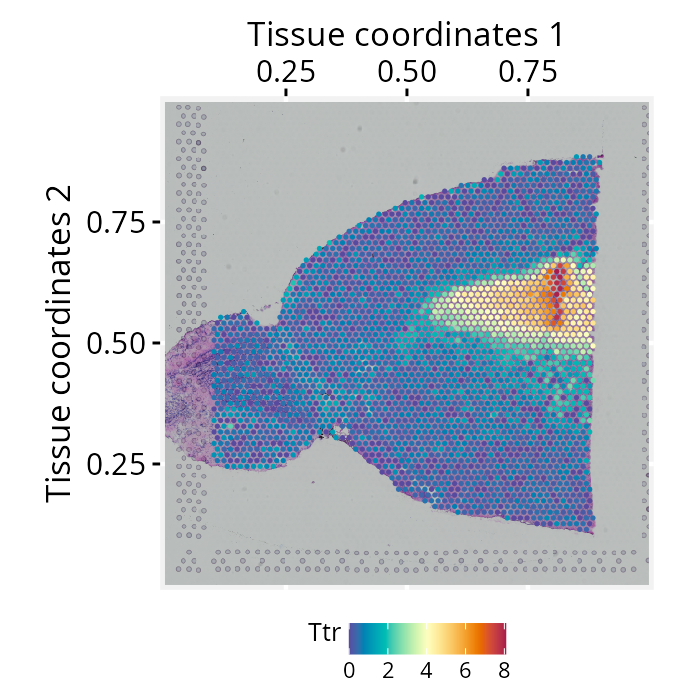
data; spatial feature data
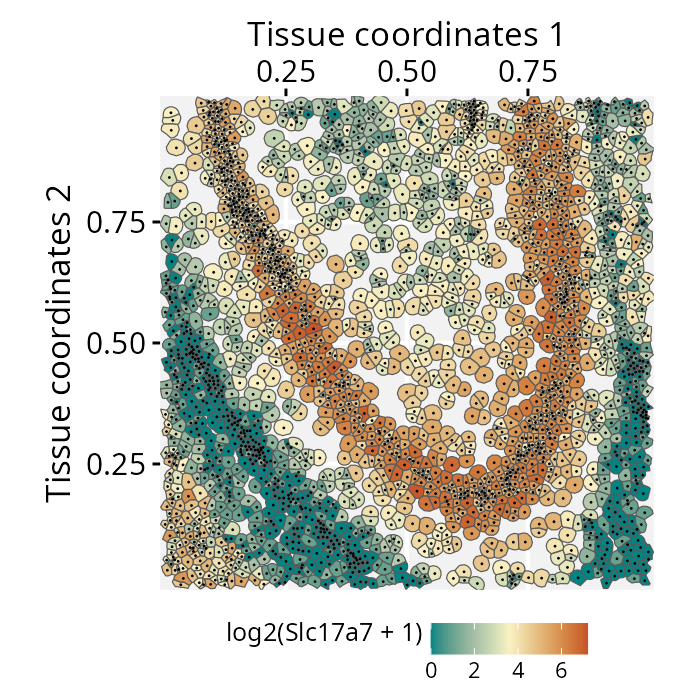
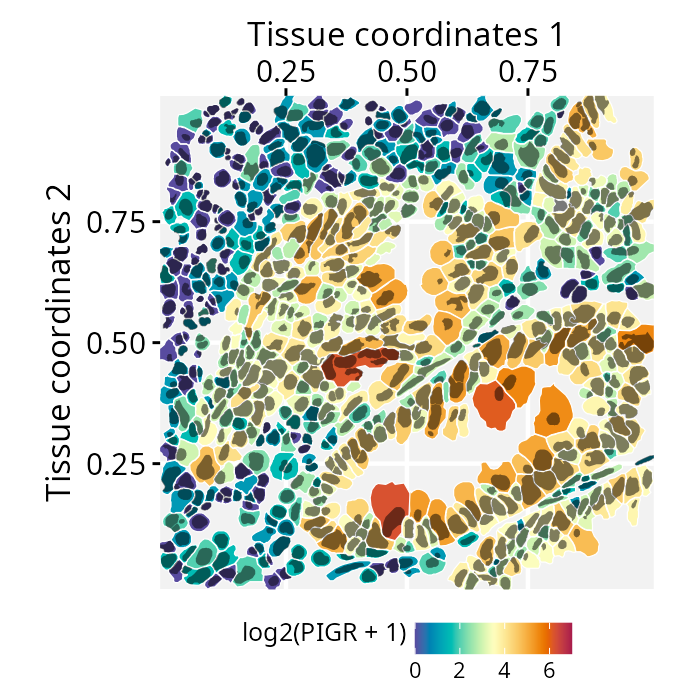
shows how to attach those features to spatially-organized data; spatial segmentation1
walks through attaching real cell-segmentation boundaries to a
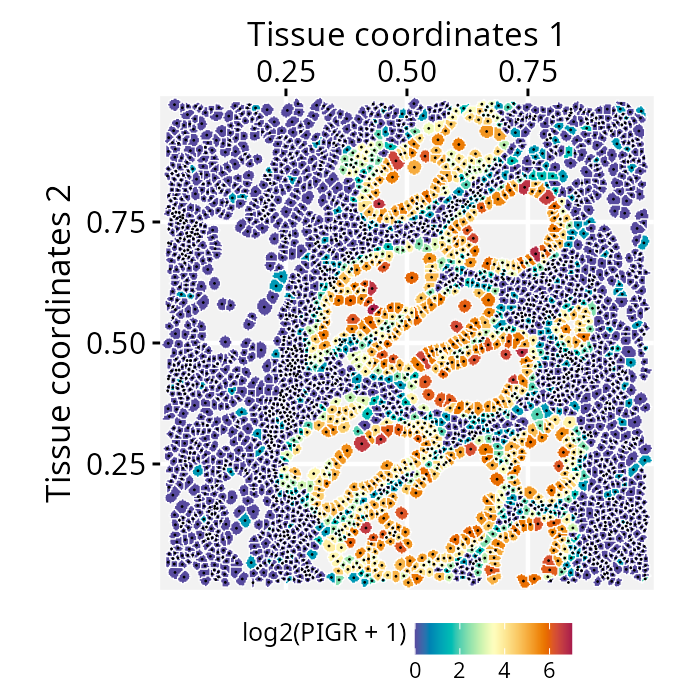
GraphSpace from a Seurat object; spatial segmentation2
demonstrates how to construct a GraphSpace from a
SpatialExperiment object with integrated tissue images, and
nested geometries extends
this to more complex geometries and high-resolution images.